Malafama

TYPE:

UX/UI Case Study

MY ROLE:

Research, Branding & Prototyping

DURATION:

8 weeks
Cover
Cover
Cover

Malafama

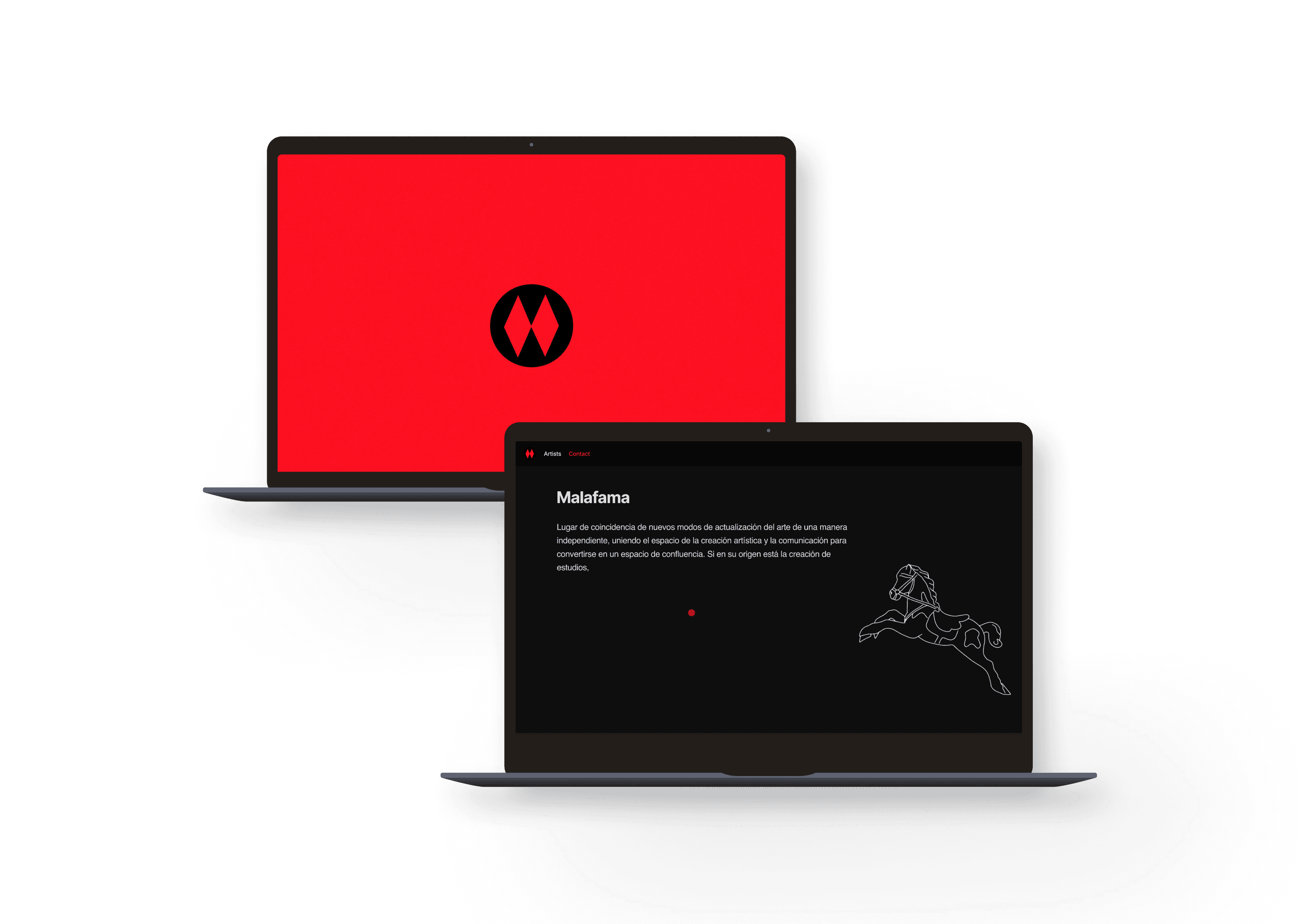
In the growing artistic area of Carabanchel, Malafama is a collaborative studio that hosts several emerging artists. Currently, the studio does not have a website, making it difficult to showcase its artists and creative space to a wider audience.

Ai
Showcase image
Showcase image
Showcase image

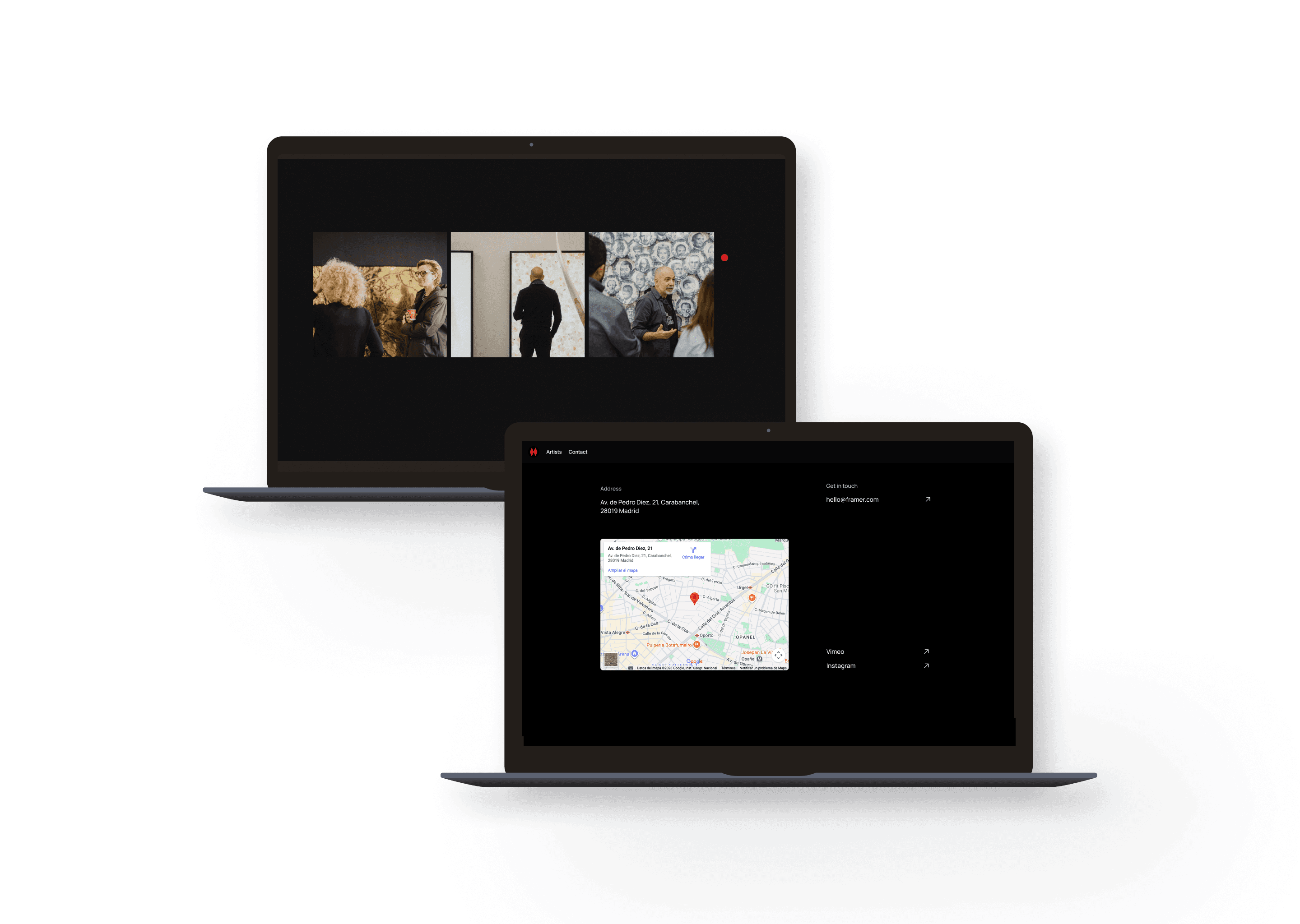
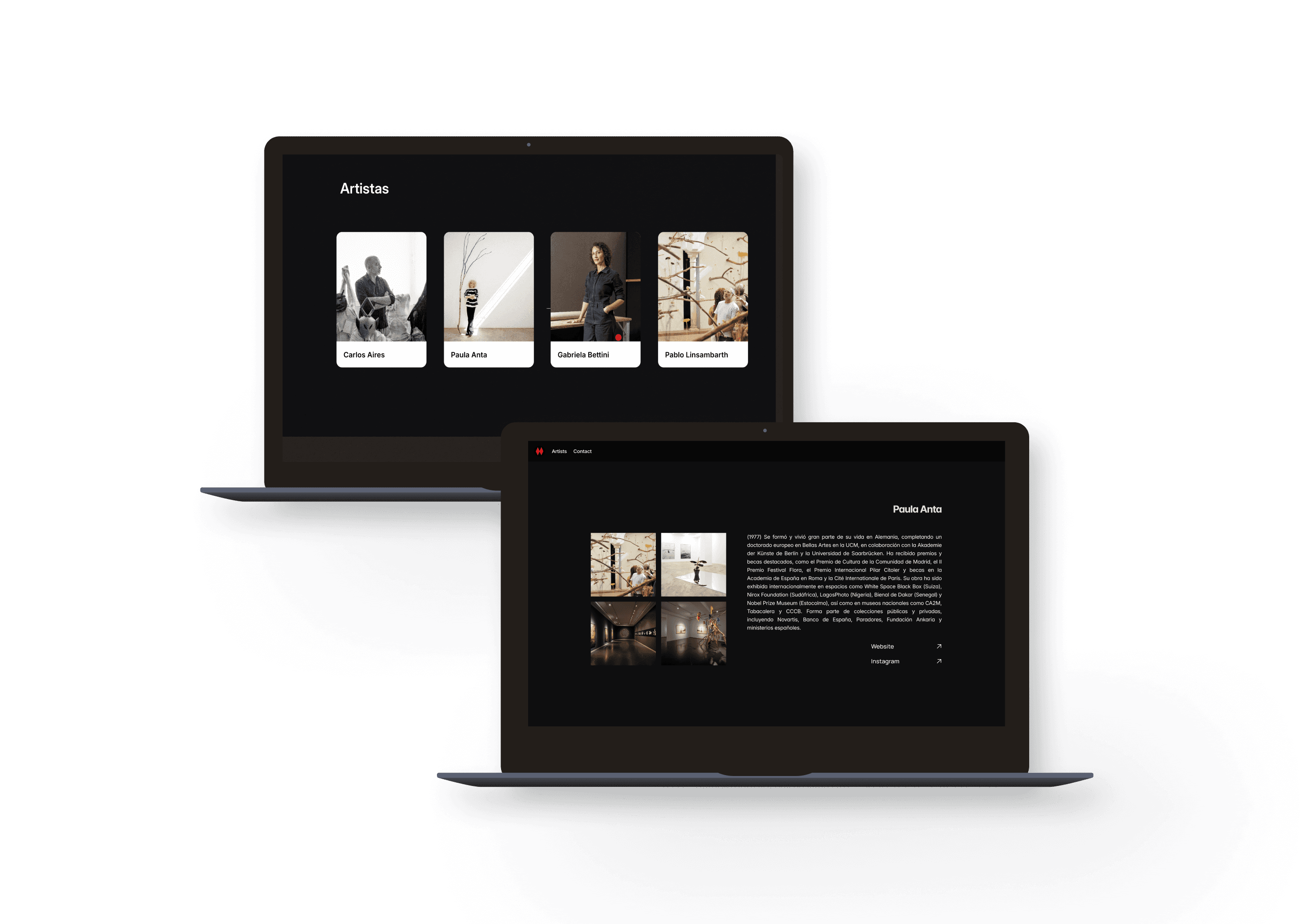
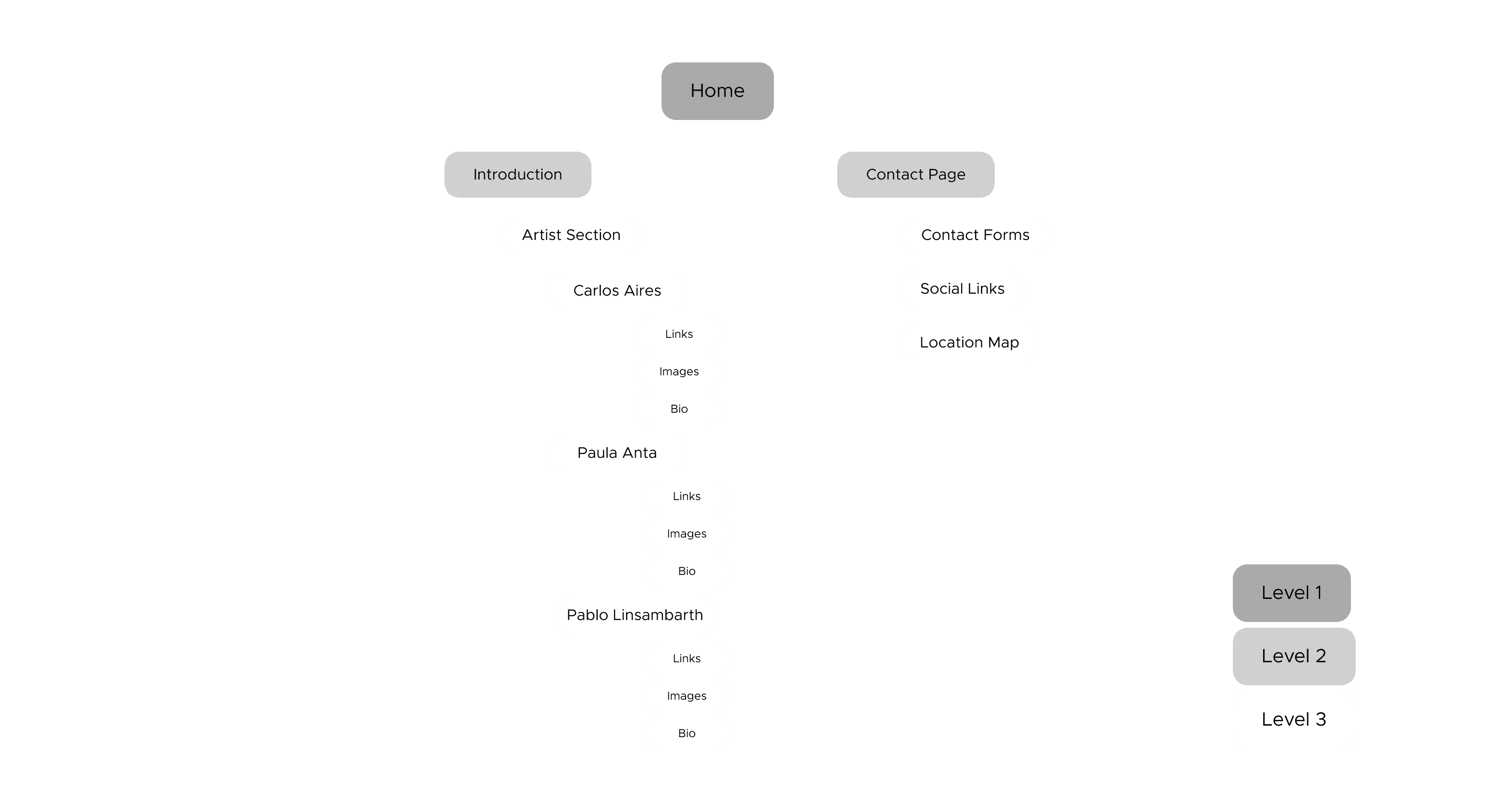
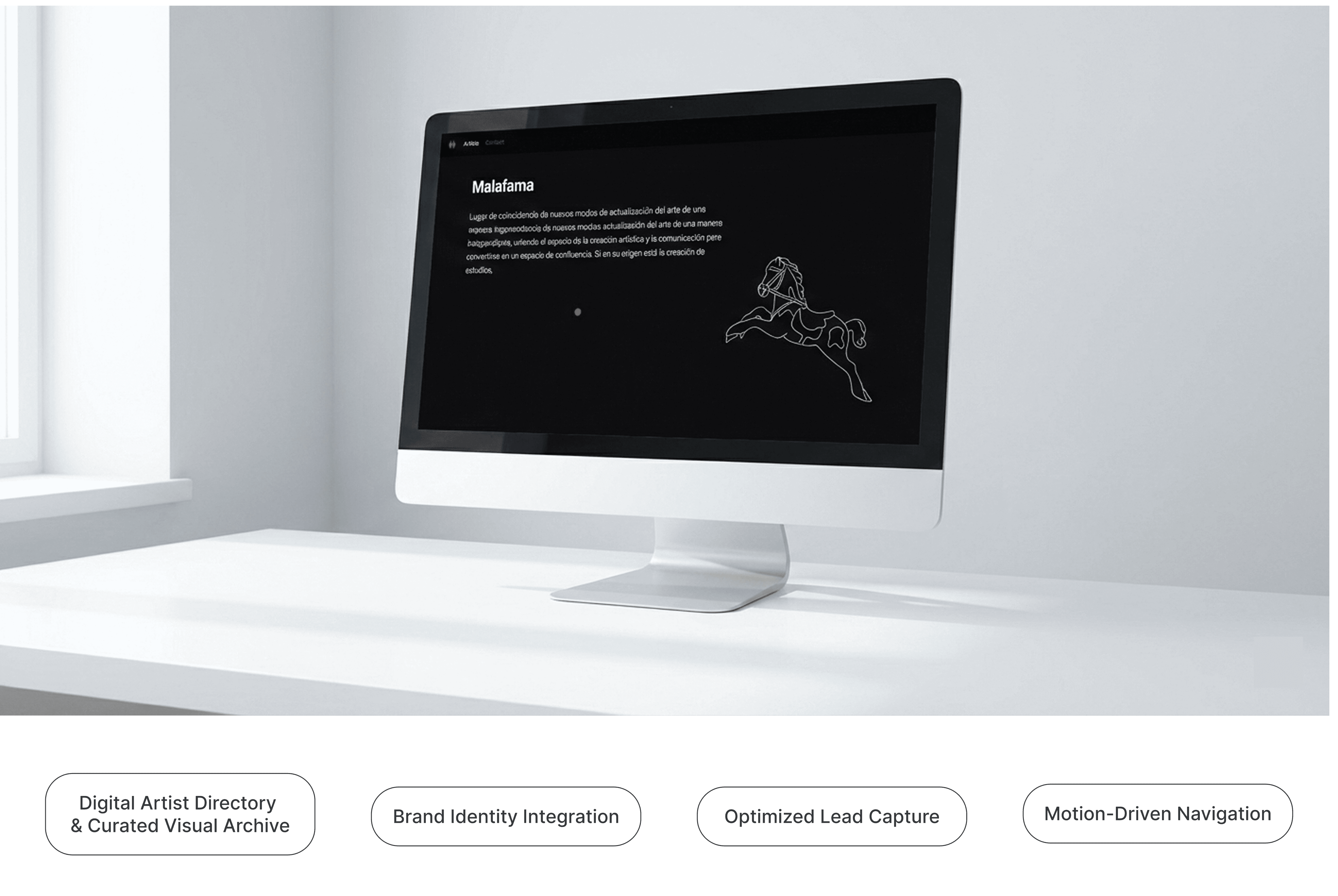
The Malafama website is designed as an intuitive and fluid landing page. The home page brings together the introduction to the studio and the artists section, where each artist has their own individual profile with images, biography and links to their website or Instagram. The second page is dedicated to contact, offering a form and the necessary details to connect with the studio. Thanks to this structure, users can easily explore all the content without getting lost and directly access essential information about each artist and the studio.
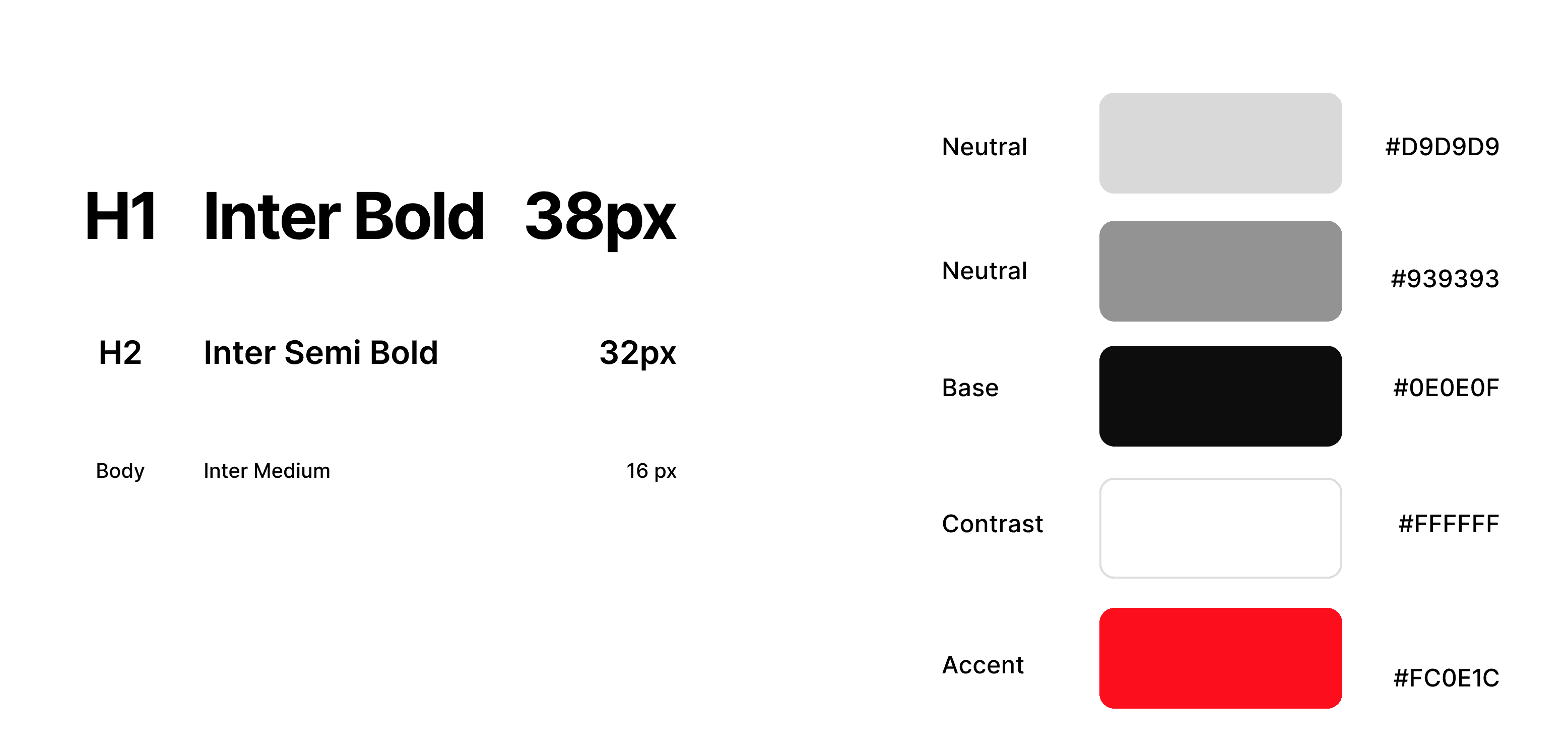
visual identity
Showcase image
Showcase image
Showcase image
Showcase image
Showcase image
Showcase image
Showcase image
Showcase image
Showcase image
Showcase image
Showcase image
Showcase image
MPV1
Showcase image
Showcase image
mockups


Key Takeaways
Being immersed in a creative environment was the real research phase. Getting to know the artists' character first-hand allowed me to move beyond standard UI patterns and build a digital identity that is as raw, authentic, and vibrant as the collective itself. This project wasn't just about building a website; it was about translating a physical atmosphere into a digital experience.

How do I draw Frames?

To draw a Frame, click on Layout in the Toolbar, then select Frame. Now, you can click and drag anywhere on the Canvas.

How do I add images?

To add an image, select any Frame, and either double-click on it, or go to the Fill property. In the Fill property, switch to the image icon. Here, you can upload images.

How do I add videos?

To add a video to your site, click the “Insert” button and navigate to the “Media” section. Then, drag and drop a video component onto the Canvas.

Create a free website with Framer, the website builder loved by startups, designers and agencies.